English
All three ways
Just like on iPad, switch from the menu once you're connected.
Extended display
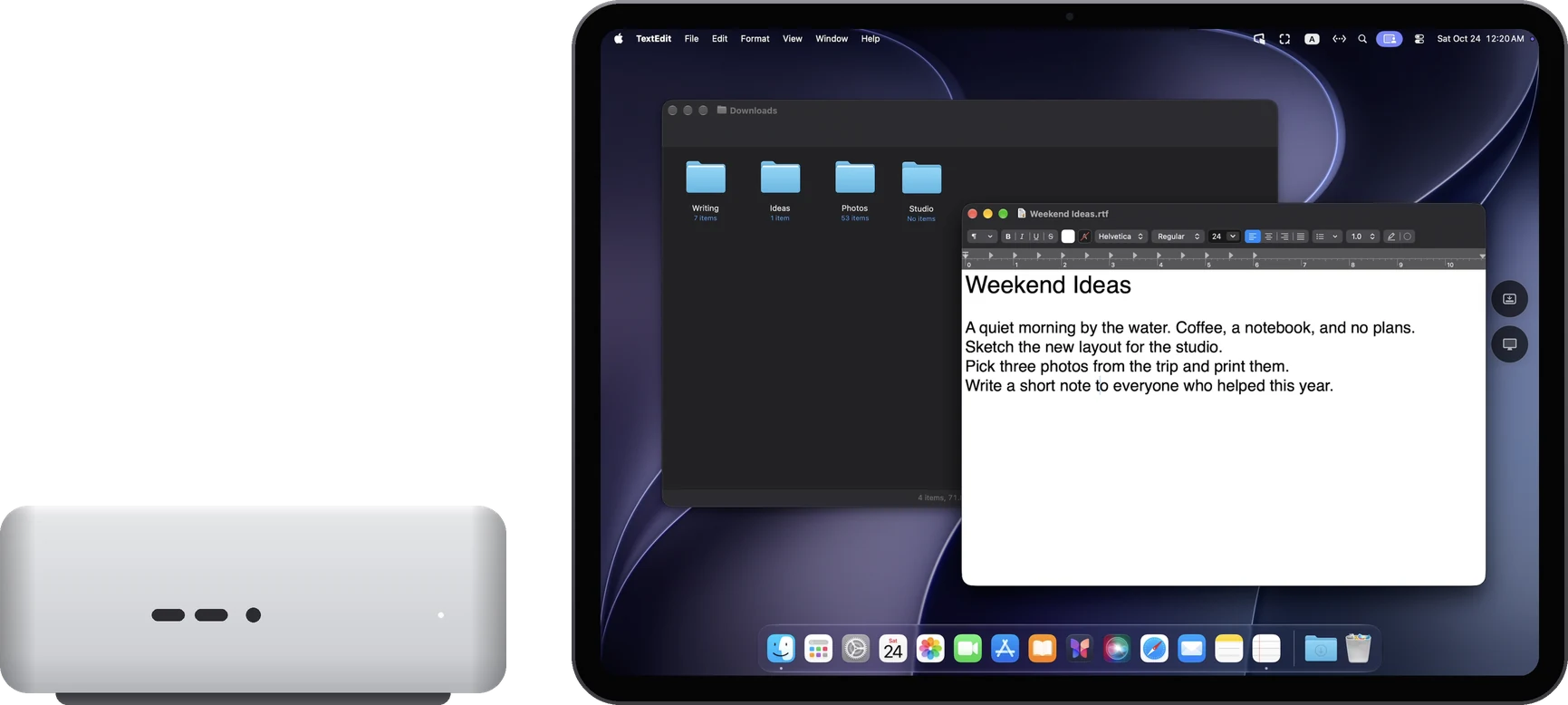
The controlled Mac gains one more screen, shown on the Mac in front of you. You can drag windows onto it.
Main display
Shown only on the Mac in front of you. The other Mac's own screens go dark for now and come back when you disconnect.
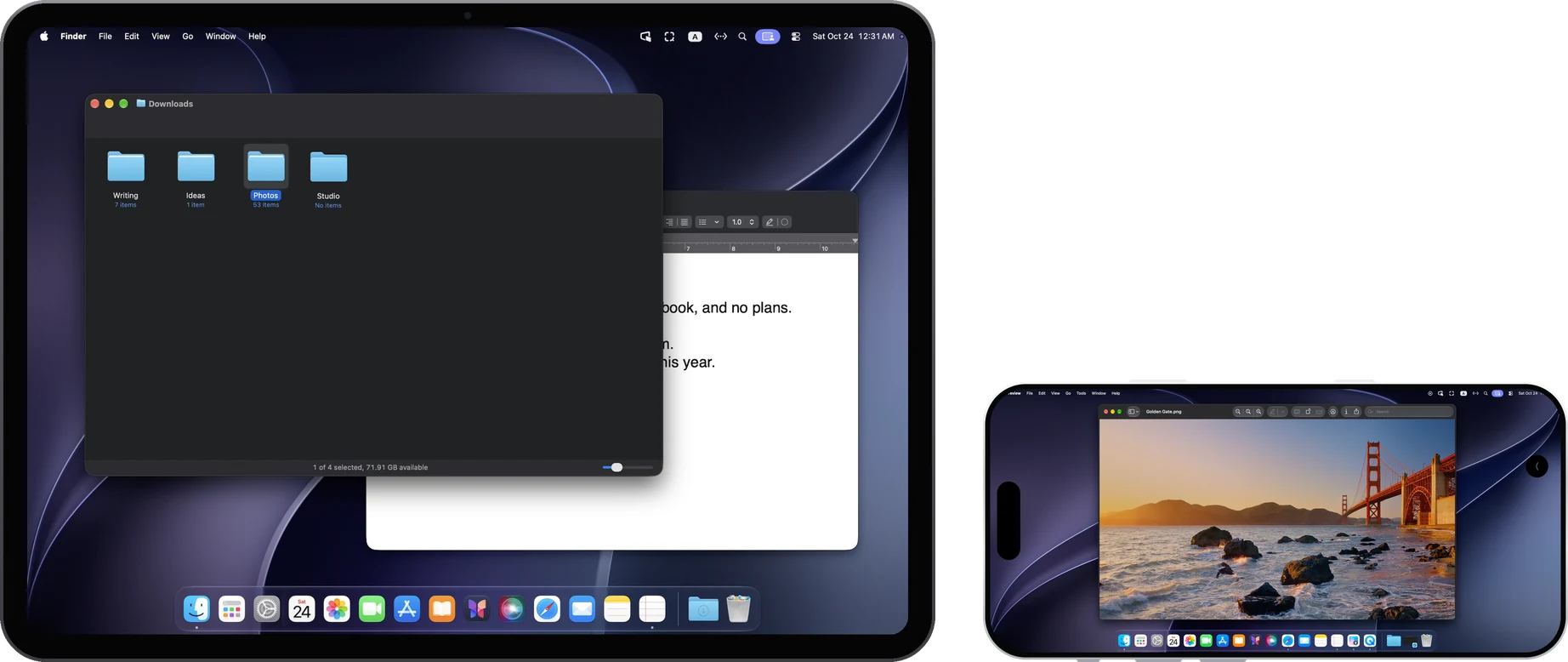
Mirror display
Shows the same picture as the other Mac's main display.
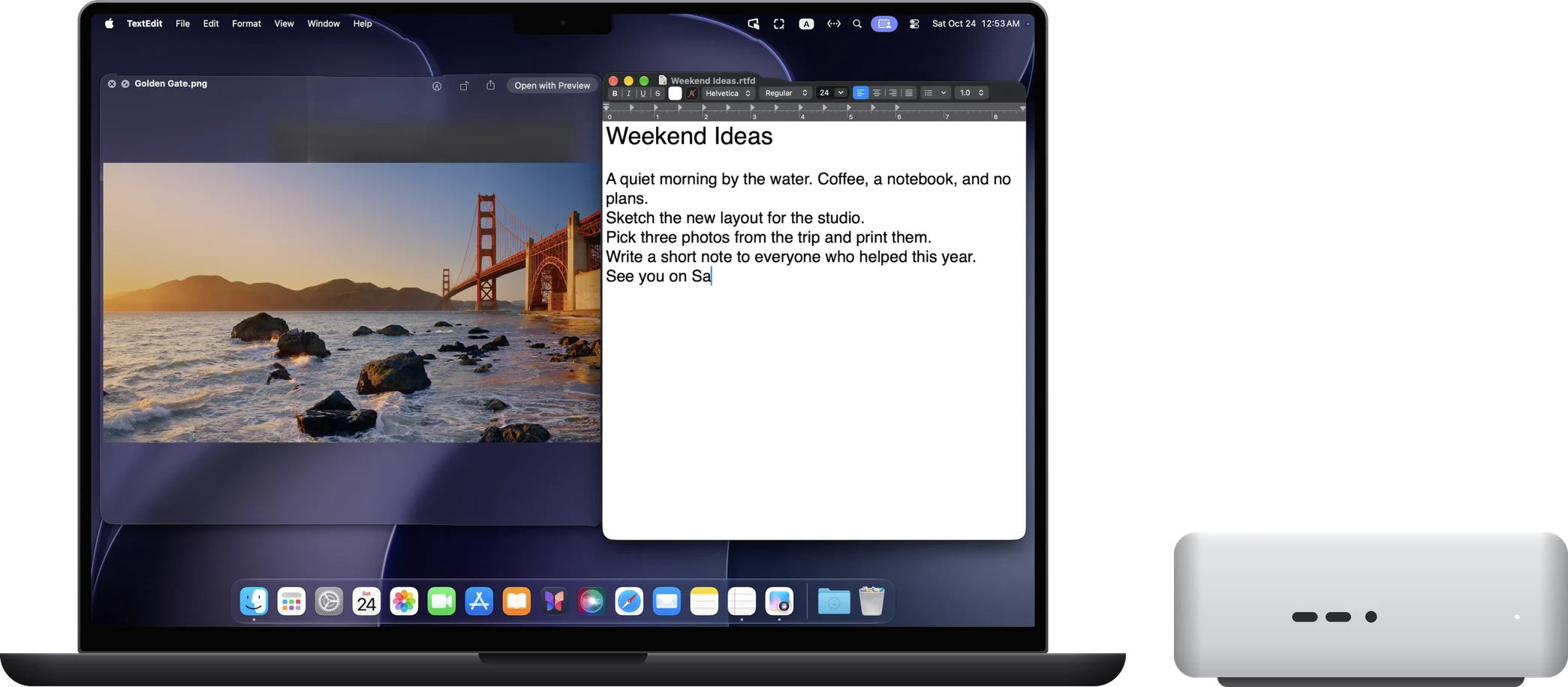
Drag files across, share the clipboard
Drag files between the two Macs in either direction. Copy text, images and files on one Mac and paste them on the other.
Mac-to-Mac control does not carry sound yet.
Connect two Macs
01
Install RoveScreen Host on both Macs
It's free. When asked, allow “Screen & System Audio Recording” and “Accessibility”.
02
Get a pairing code on the Mac to be controlled
Choose “Invite remote control” in the RoveScreen Host menu.
03
Add the computer on the other Mac
In that Mac's RoveScreen Host, click “Add computer” and enter the code.
04
Allow it on the controlled Mac
Choose “Allow once” or “Always allow”.
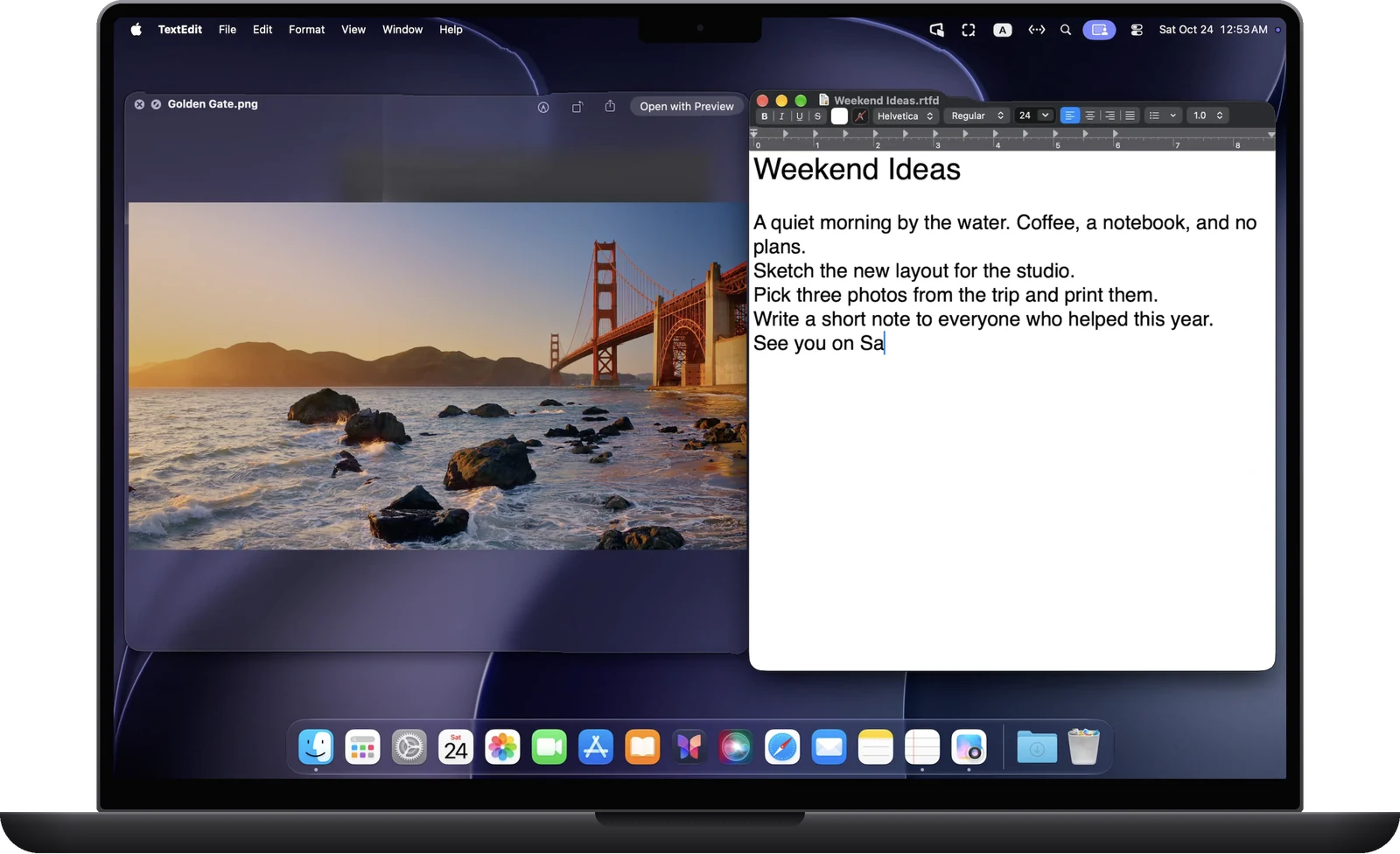
Each direction is authorized separately: the MacBook being allowed to control the Mac mini doesn't let the Mac mini control the MacBook. To go the other way, get a pairing code on the other Mac too.
Questions
Does it cost anything?
No. Mac-to-Mac control comes with RoveScreen Host, and Host is free on both Macs.
Does it carry sound?
Not yet. Mac-to-Mac control does not carry sound for now.
Which Macs are supported?
Macs with Apple silicon running macOS 14 or later, including MacBook, iMac, Mac mini and Mac Studio. Intel-based Macs are not supported.
Does it work when the Macs aren't on the same network?
It tries a direct connection automatically, and whether that works depends on both networks. If a direct connection isn't possible, you can deploy your own relay.